How to add a Zimbra mail server Calendar to an iPhone
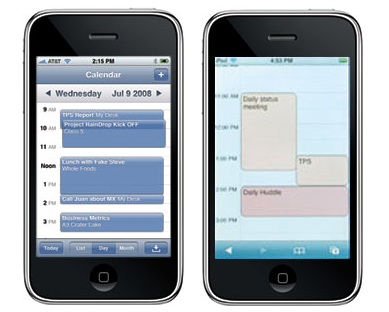 Users of the OpenSource edition of Zimbra can add their Zimbra Calendar to an iPhone by configuring the phone as described below.
- Go to the system setting menu and select Mail, Contacts, Calendars.
- Press Add Account, choose Other, then select Calendars -> CalDAV calendar.
- Enter your username and password and press Next.
- If “cannot connect using SSL” appears, press Cancel.
- Press Advance and change the port from 8443 to 443.
- Press “calDav”, then Next.
- If “Unable to Verify Certificate” appears, press “Accept” or “Continue”.
- Press Save.
