How to find and kill an advisory lock query?
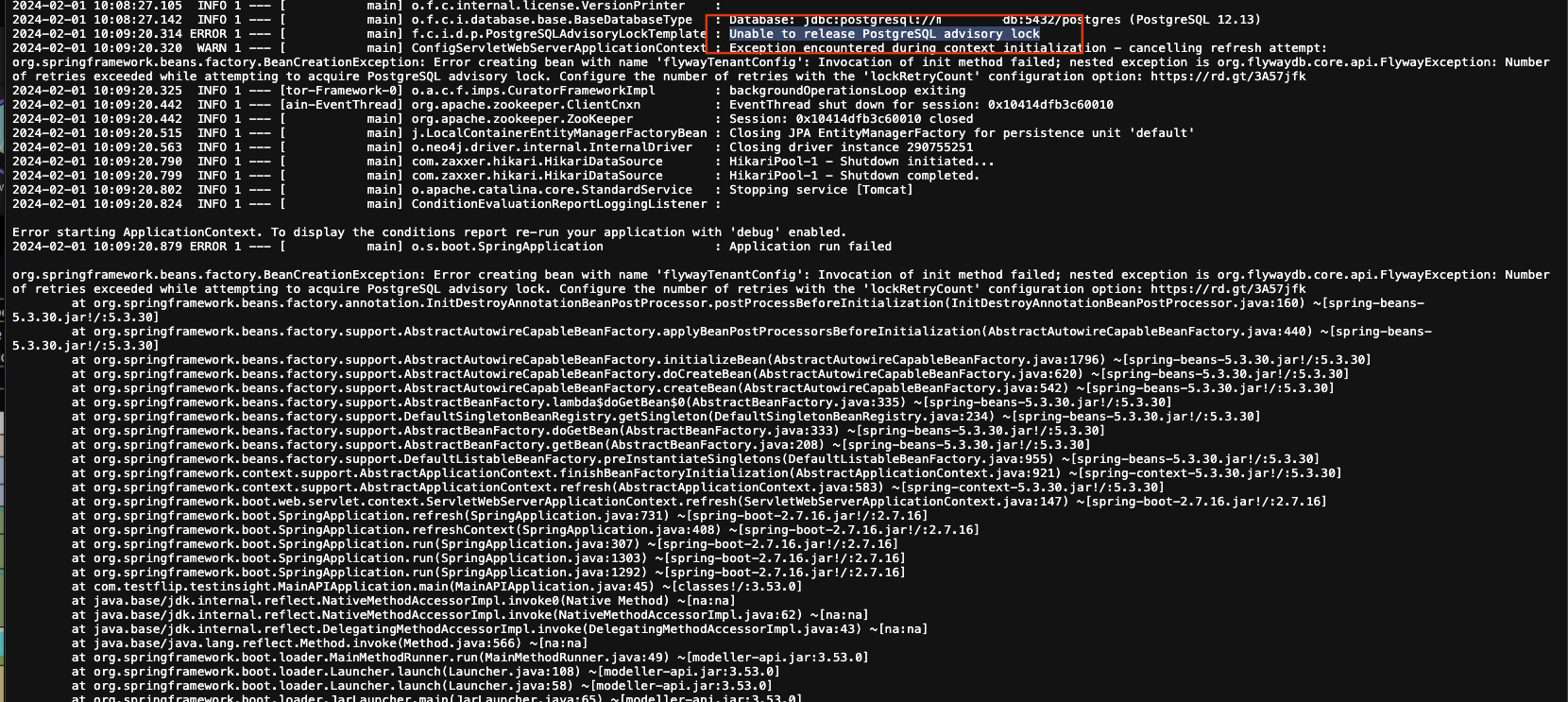
When running an application or querying a PostgreSQL database and encountering “advisory lock”, we need to identify the query causing the lock and kill it so the system can continue working.
To investigate and resolve it: Use the following command to find the PID causing the “advisory lock”.
SELECT * FROM pg_locks JOIN pg_stat_activity USING (pid) WHERE locktype='advisory';The command returns a PID that needs to be terminated. Run:
SELECT pg_cancel_backend(PID);PID is the process ID returned by the advisory lock search command. If that does not terminate the PID, use the command below instead.
SELECT pg_terminate_backend(PID);