MySQL Replication: 'Got fatal error 1236'
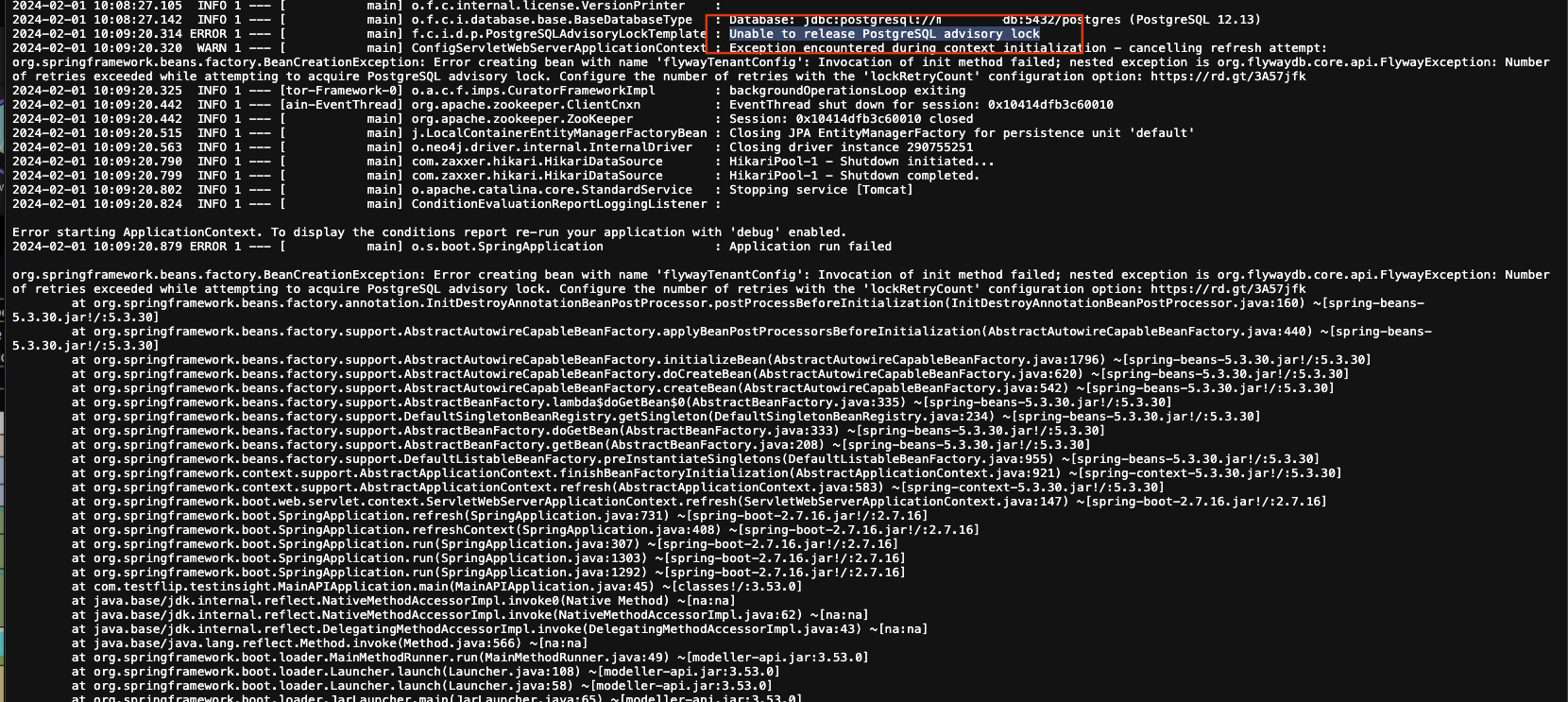
 In MySQL replication, the slave retrieves data from the master’s binlog and replays it locally. If the slave stops with error 1236, as shown below, what causes it and how can we fix it?
Last_IO_Error: Got fatal error 1236 from master when reading data from binary log: 'binlog truncated in the middle of event; consider out of disk space on master; the first event 'mysql-bin.000005' at 1185833, the last event read from '/var/log/mysql/mysql-bin.000005' at 1185833, the last byte read from '/var/log/mysql/mysql-bin.000005' at 1185852.The cause is a master server crash that prevents the binlog cache from being flushed to disk, corrupting the binlog. Meanwhile, the slave has received the new position but cannot retrieve data because the binlog is now corrupt. Fixing MySQL Replication: ‘Got fatal error 1236’
-
Find a binlog and position from which the slave can restart. Generally, a corrupt binlog cannot be written to further, so MySQL creates a new binlog with the next filename. In this example, the damaged binlog is mysql-bin.000005, so use mysql-bin.000006 as the reference for restarting the slave.
-
Once you have the binlog, run the commands below on the slave to start syncing from the new reference point.
mysql> STOP SLAVE; mysql> CHANGE MASTER TO MASTER_LOG_FILE='mysql-bin.000006', MASTER_LOG_POS=4; mysql> START SLAVE; -
Check the slave status with:
mysql> SHOW SLAVE STATUS;
Preventing MySQL Replication: ‘Got fatal error 1236’ Enable sync_binlog on the master so it flushes the cache on every write.
- Change it in the MySQL console:
mysql> SET GLOBAL sync_binlog=1; - Change it in my.cnf:
sync_binlog=1