Adding contacts to the Address Book
You can store contacts in the system instead of writing them on paper, making them easier to find. To add contacts to the system, follow these steps.
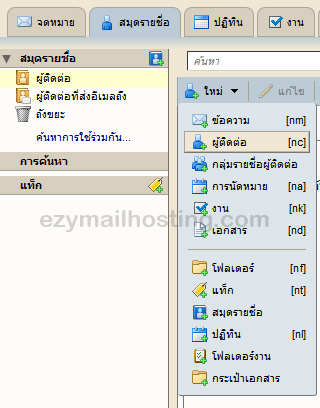
- Select Address book.
- Select New -> Contact.
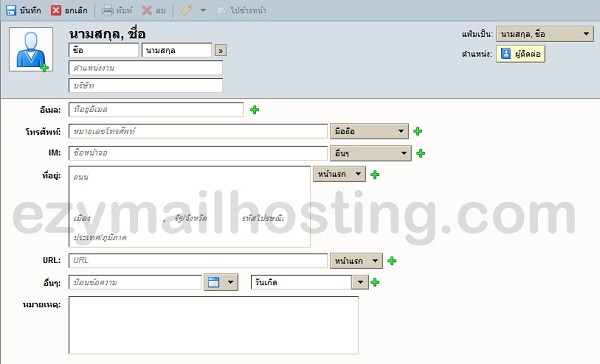
- Enter details such as the contact’s first name, last name and Email. When finished, click Save to store the information, or Cancel to cancel.