Using Zimbra Webmail
Accessing Email through Web Mail
Users can access webmail through a Web browser by entering http://webmail.yourdomain.com in the URL field. The login page shown below will appear.
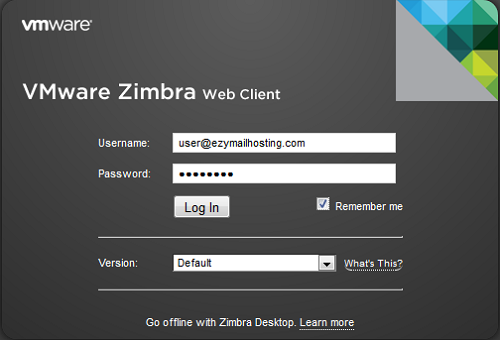 Enter your Username and Password. To have the system remember that you have logged in, select Remember me. Leave version set to default.
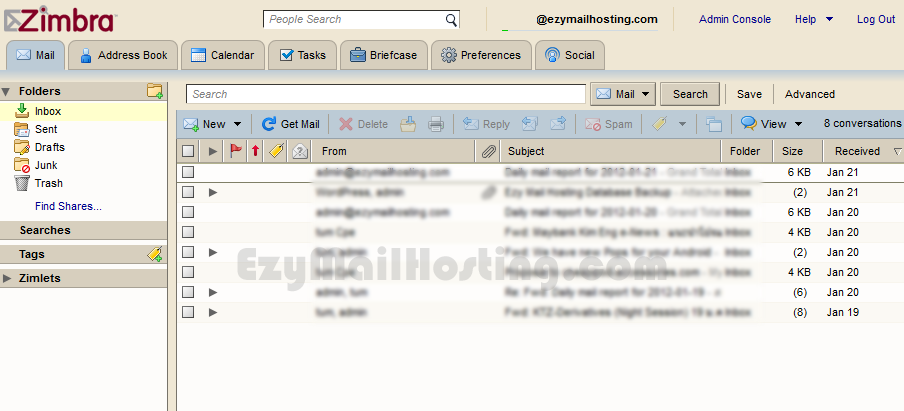
Creating a new message
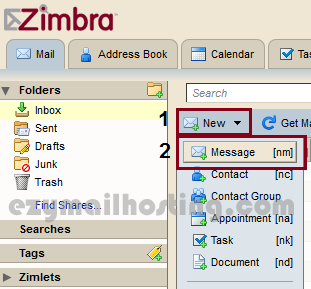
After logging in, select New > New Email.
 Enter the details for the new message.
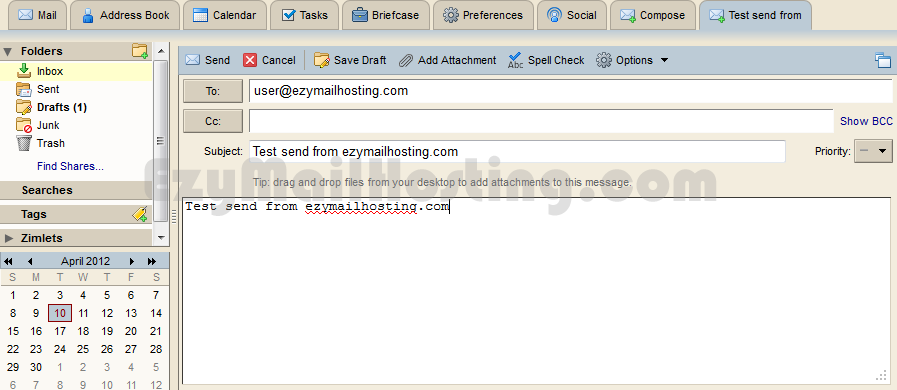
- To: the Email address of the person to whom you want to send the Email.
- Cc: the Email addresses of people who should receive a copy of the Email.
- Bcc: the Email addresses of people who should receive a copy of the Email without showing their addresses to the other recipients. (To enter Bcc, press “Show BCC” at the far right of the “Cc:” field.)
- Subject: enter the Email subject. At the far right, you can select this message’s priority. To attach a file to the Email, press “Add Attachement”. To cancel composing the Email, press “Cancel”. To save it for later, press “Save Draft”.
Receiving messages
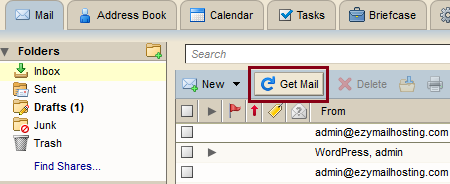
To check immediately for new Email, press “Get Mail”. The system will retrieve and display new Email.