Managing signatures on Zimbra Mail Server
Zimbra webmail users can easily manage signature templates. They can also create more than one signature template, which is convenient for users who need multiple templates. Steps to create a signature template in Zimbra
- Click “Preferences”.

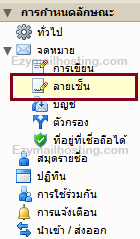
- In the left menu, select “Signatures”.
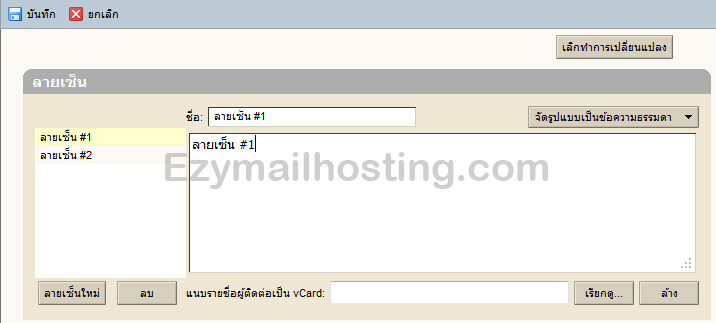
- The signature management section appears. You can edit, add, and delete signatures here.