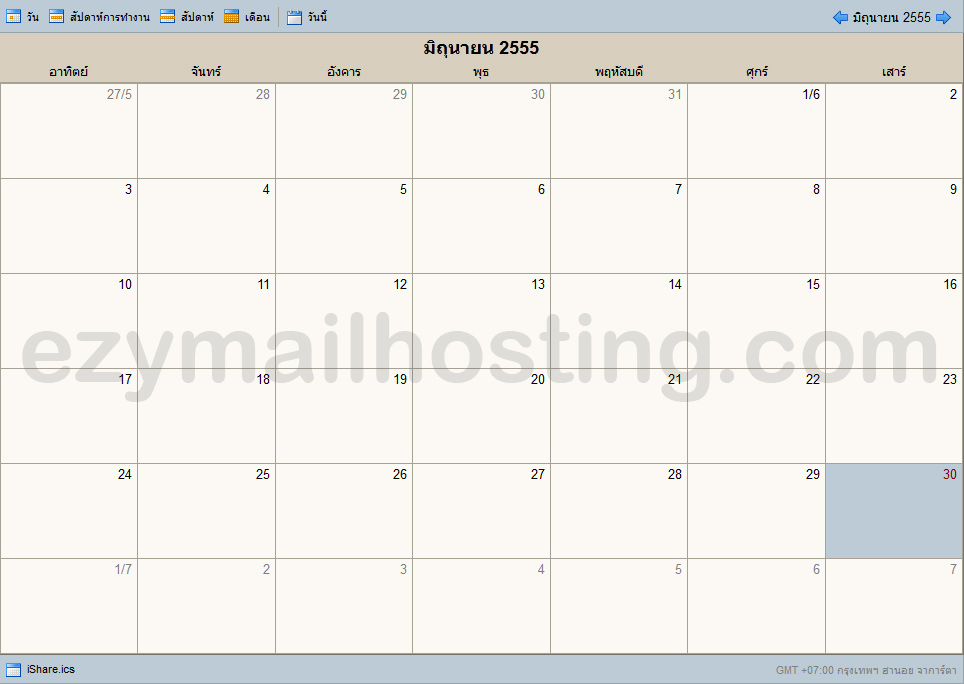
Sharing calendars on Zimbra mail server
 Zimbra mail server allows users to share calendars with others to make teamwork easier. Employees can check the availability of their executives or supervisors themselves without going through a secretary. Besides viewing a calendar, users with permission to edit it can directly change and update its information.
To share a calendar in Zimbra mail server, follow these steps:
Zimbra mail server allows users to share calendars with others to make teamwork easier. Employees can check the availability of their executives or supervisors themselves without going through a secretary. Besides viewing a calendar, users with permission to edit it can directly change and update its information.
To share a calendar in Zimbra mail server, follow these steps:
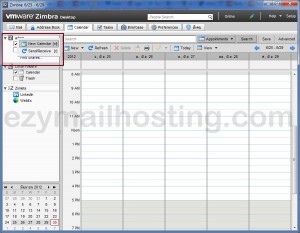
- In webmail or Zimbra desktop, select Calendar.
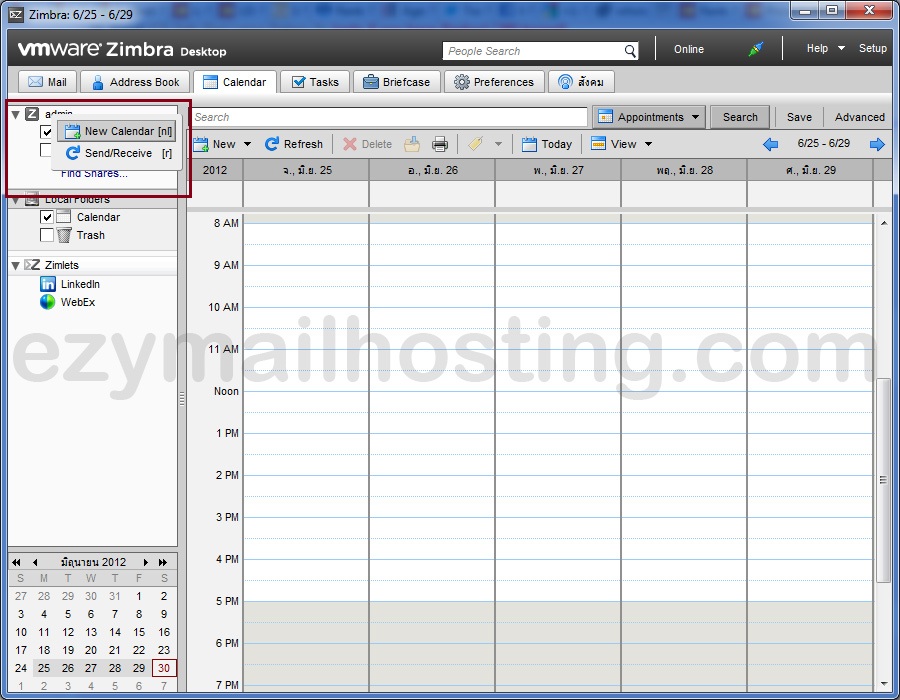
- Right-click the username (user) -> New calendar, as shown.
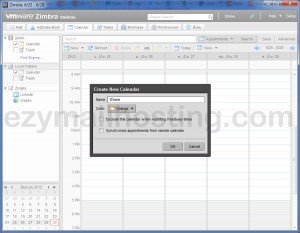
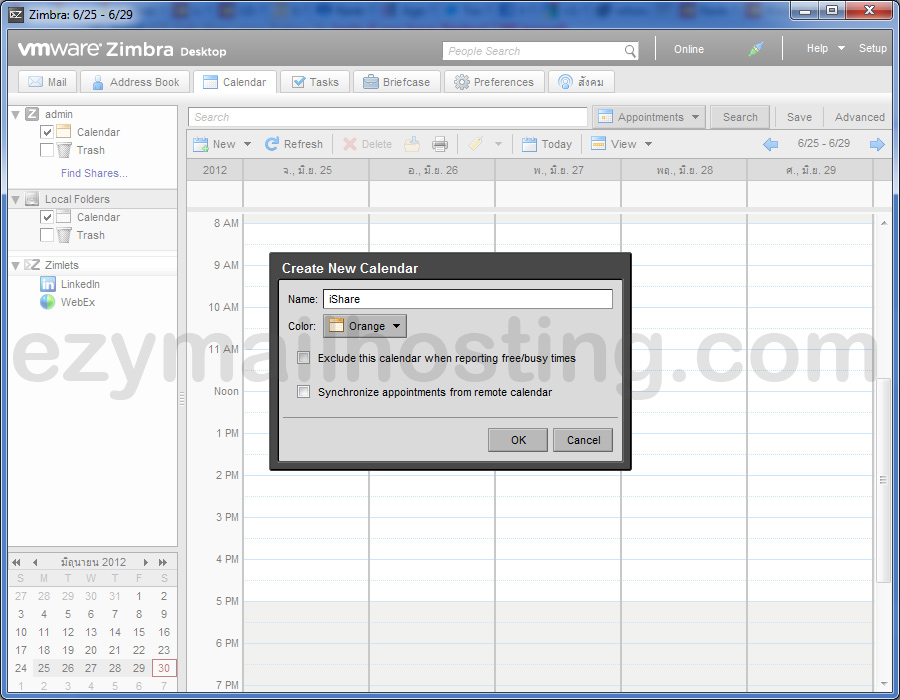
- After choosing to create a new calendar, enter its name and select its color.
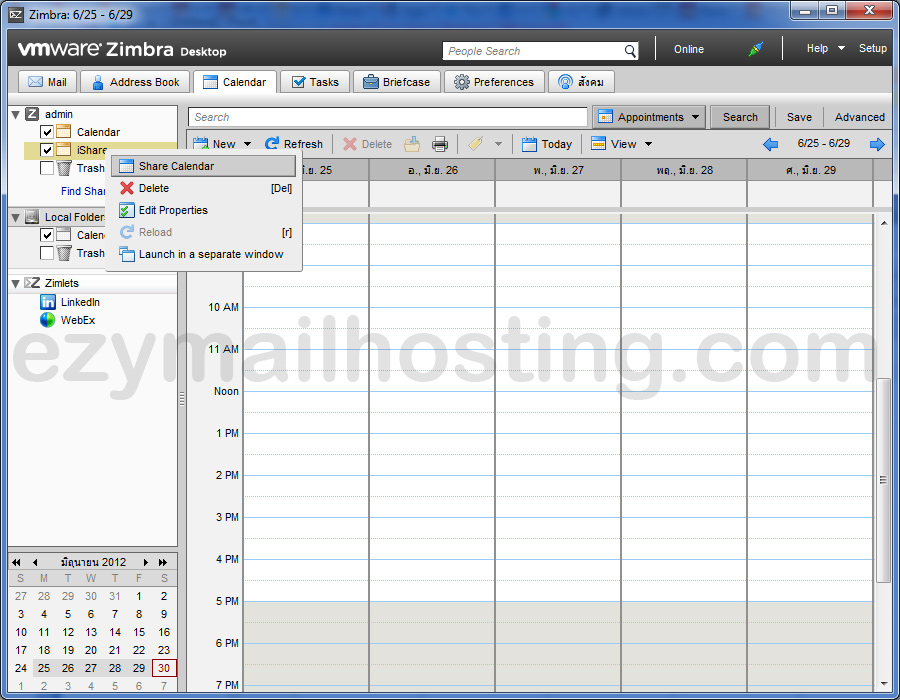
- Right-click the calendar you created and select Share calendar.
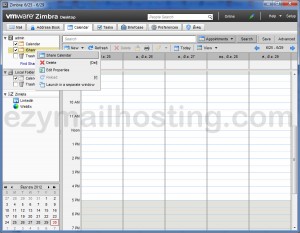
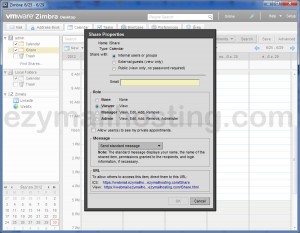
- Select the sharing method.
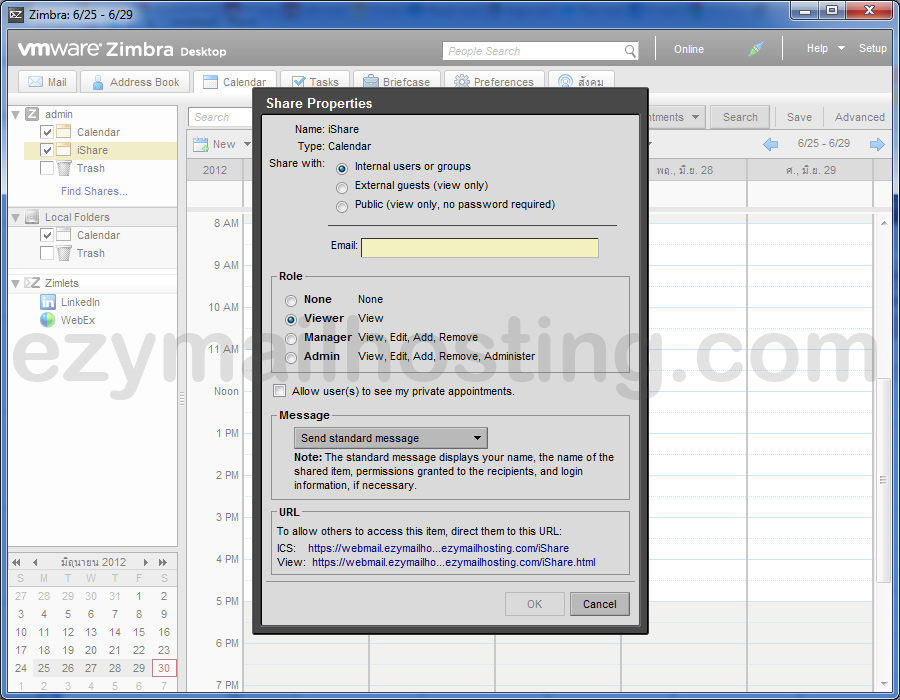
An example of a calendar viewed in a web browser