How to get physical number of CPU sockets on Linux server
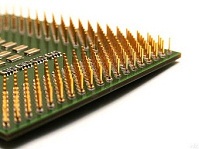 On a Linux server, you can check how many physical CPU sockets it has without opening the machine. The command is dmidecode.
Installing dmidecode on CentOS:
On a Linux server, you can check how many physical CPU sockets it has without opening the machine. The command is dmidecode.
Installing dmidecode on CentOS:
[root@Ezylinux ~]# yum install dmidecodeTo check the number of CPU sockets, run:
[root@Ezylinux ~]# dmidecode -t4 | grep Socket.Designation: | wc -lAnother method is to inspect /proc/cpuinfo by running:
[root@Ezylinux ~]# grep physical.id /proc/cpuinfo | sort -u | wc -l
