How to read hard drive device files name
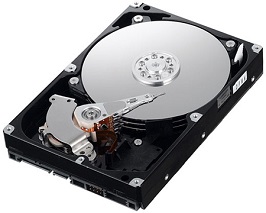
Linux represents devices as files in /dev/. Device names depend on the type of hardware. This article explains how to identify the hard drives already installed or newly added, and which name prefixes to expect for each type.
Hard drive device names can be divided into two main groups:
1. กลุ่มอุปกรณ์จำพวก SCSI, Flash drive, SATA จะมีคำขึ้นต้นเป็น sd
2. กลุ่มอุปกรณ์จำพวก IDE จะมีคำขึ้นต้นเป็น hd
The letter following sd or hd indicates the device’s order within that group, starting with a.
Examples of hard drive names:
- อุปกรณ์ ide ลำดับที่ 1 ชื่อว่า hda ลำดับที่ 2 ชื่อว่า hdb
- อุปกรณ์ SCSI หรือ SATA ลำดับที่ 1 ชื่อว่า sda ลำดับที่ 2 ชื่อว่า sdb
The number at the end identifies the partition on that device: 1 means the first partition, 2 means the second, and so on. If no number is present, the hard drive has not been partitioned.
Here is another example to make the naming clearer.
1. sda1 คือ อุปกรณ์ SCSI หรือ SATA ตัวที่หนึ่งและเป็น partition ที่ 1
2. hda3 คือ อุปกรณ์ ide ตัวที่หนึ่งและเป็น partition ที่ 3
3. hda คือ อุปกรณ์ ide ตัวที่หนึ่ง