Jailbreak iPhone, iPad and iPod touch on iOS 4.2.1 with Greenpois0n
 Chronic Dev Team released Greenpois0n for jailbreaking iOS 4.2.1. It gives iPhone4 / iPhone 3GS, iPod Touch 4G, iPod Touch 3G, and iPad users running iOS 4.2.1 a complete jailbreak without having to re-jailbreak (MobileGeeky).
Jailbreaking iOS 4.2.1 with Greenpois0n is straightforward, and general users can follow the steps below.
Steps to jailbreak iOS 4.2.1 with Greenpois0n
Chronic Dev Team released Greenpois0n for jailbreaking iOS 4.2.1. It gives iPhone4 / iPhone 3GS, iPod Touch 4G, iPod Touch 3G, and iPad users running iOS 4.2.1 a complete jailbreak without having to re-jailbreak (MobileGeeky).
Jailbreaking iOS 4.2.1 with Greenpois0n is straightforward, and general users can follow the steps below.
Steps to jailbreak iOS 4.2.1 with Greenpois0n
- Check that the iPhone or iPod uses iOS 4.2.1 by selecting settings -> general -> about -> version 4.2.1 (update it first if necessary ^ ^).
- Download Greenpois0n
- Run greenpois0n.exe.
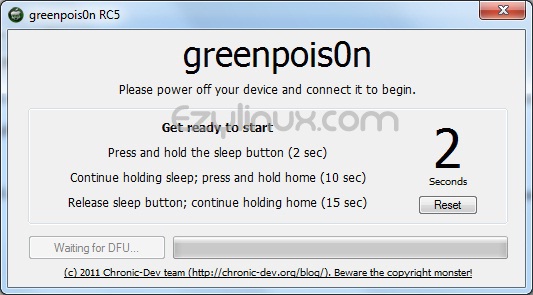
- Select Prepare to Jailbreak (DFU). The program will ask you to enter DFU mode; follow its instructions.
- Once you enter DFU mode, the program says it is ready to jailbreak and begins immediately.
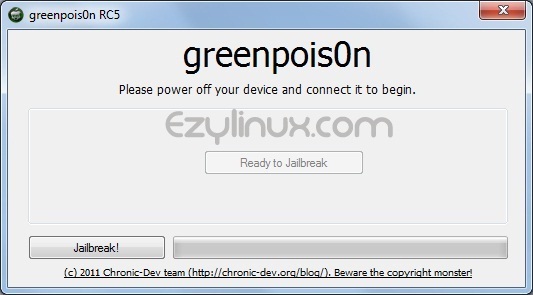
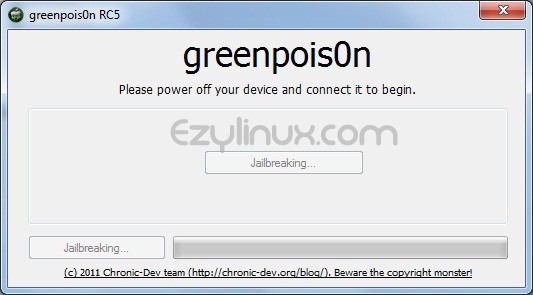
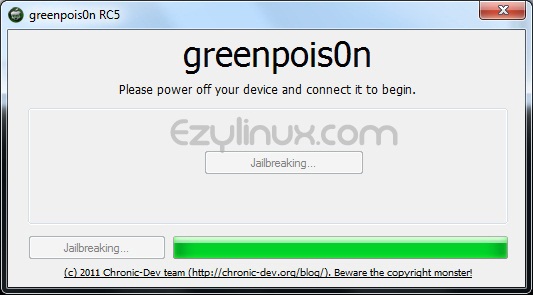
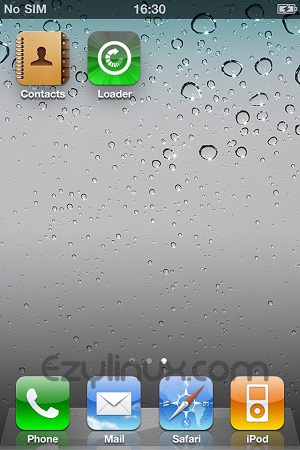
- Wait for the jailbreak to finish. A loader icon will then appear on the iPhone or iPod screen.
- Select loader
- Select Cydia.
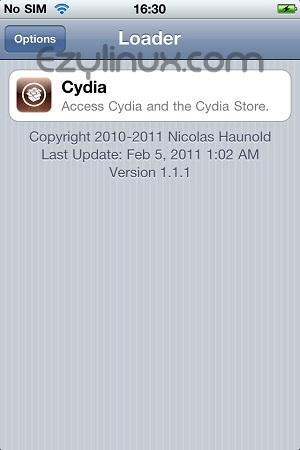
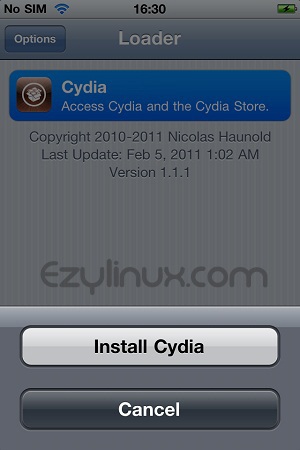
- Select install Cydia.
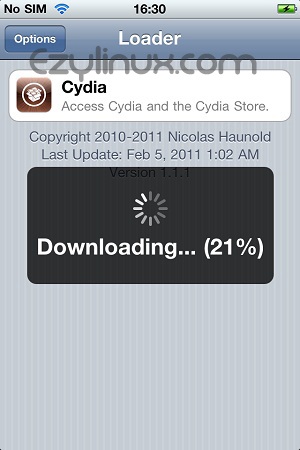
- Once Cydia is installed, its icon appears on the home screen (page 2).
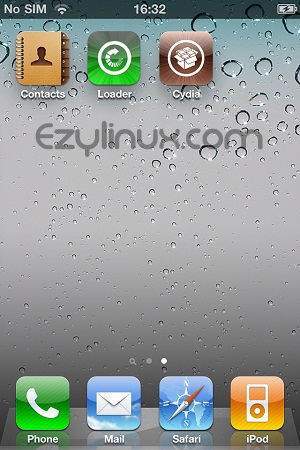
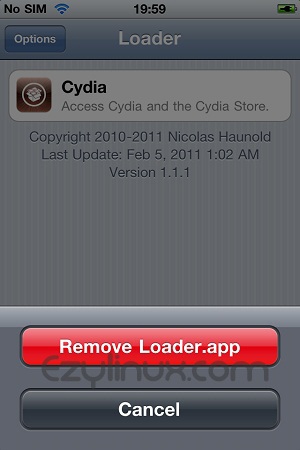
- To delete Loader, select Loader -> Options -> Remove Loader.app.