How to jailbreak iPod touch 3.1.2 (iPod touch 2G)
A full iOS 4.2.1 jailbreak is now available for iPhone4 / iPhone 3GS, iPod Touch 4G, iPod Touch 3G, and iPad.
Jailbreak iPod touch 3.1.2 with blackra1n
 You can now jailbreak iPod touch firmware 3.1.2 from Windows using blackra1n, available at http://www.blackra1n.com/blackra1n.exe. To jailbreak iPod touch firmware 3.1.2, follow these steps:
- Upgrade the iPod touch to firmware 3.1.2 using iTunes.
- Connect the iPod touch to the computer with its data cable.
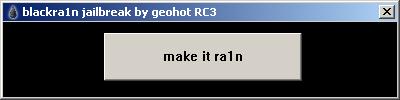
- Open blackra1n. Its window appears as shown:
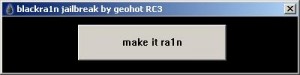
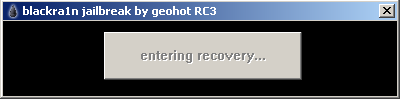
- Click make it ra1n. The program installs blackra1n and performs the jailbreak.
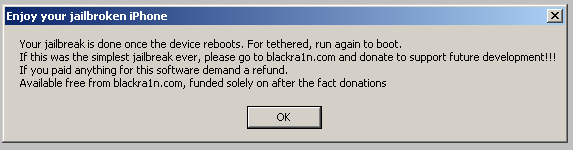
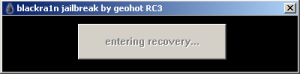 When the jailbreak finishes, a window reports that the program has instructed the iPod touch to reboot and has completed the jailbreak.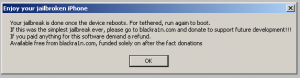
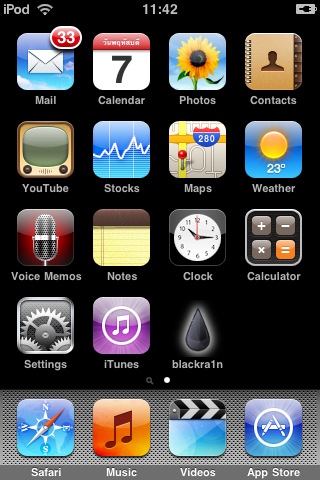
- Once the iPod touch reboots, a blackra1n icon appears on the home screen, as shown.
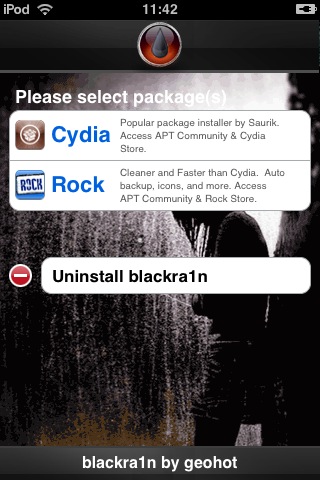
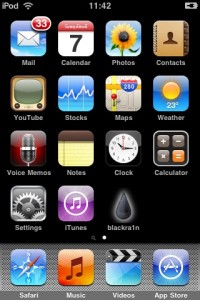 Tap blackra1n to install Cydia. Its screen appears as shown: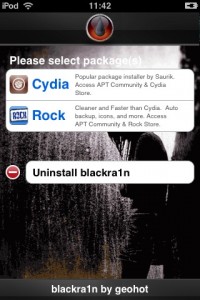
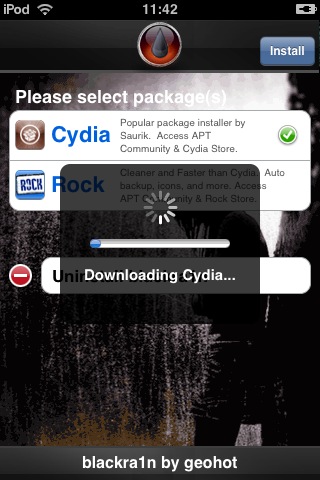
- Select Cydia to install it. The installation process is shown below.
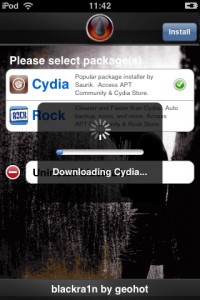
After installing Cydia, install AppSync 3.1 and Installous by adding http://cydia.hackulo.us/ as a source. The installation is similar to iPod touch 3.0.

Archived comments (4)
Preserved from the original blog for reference.
It should be http://cydia.hackulo.us/ — there is a typo. I spent ages fixing it, but finally got it working.
In step 5, does it display your jailbreak is done...? If not, go back and check again from the beginning.
Thank you. ^^
When I get to step 6, blackra1n does not appear on my iTouch. What should I do?